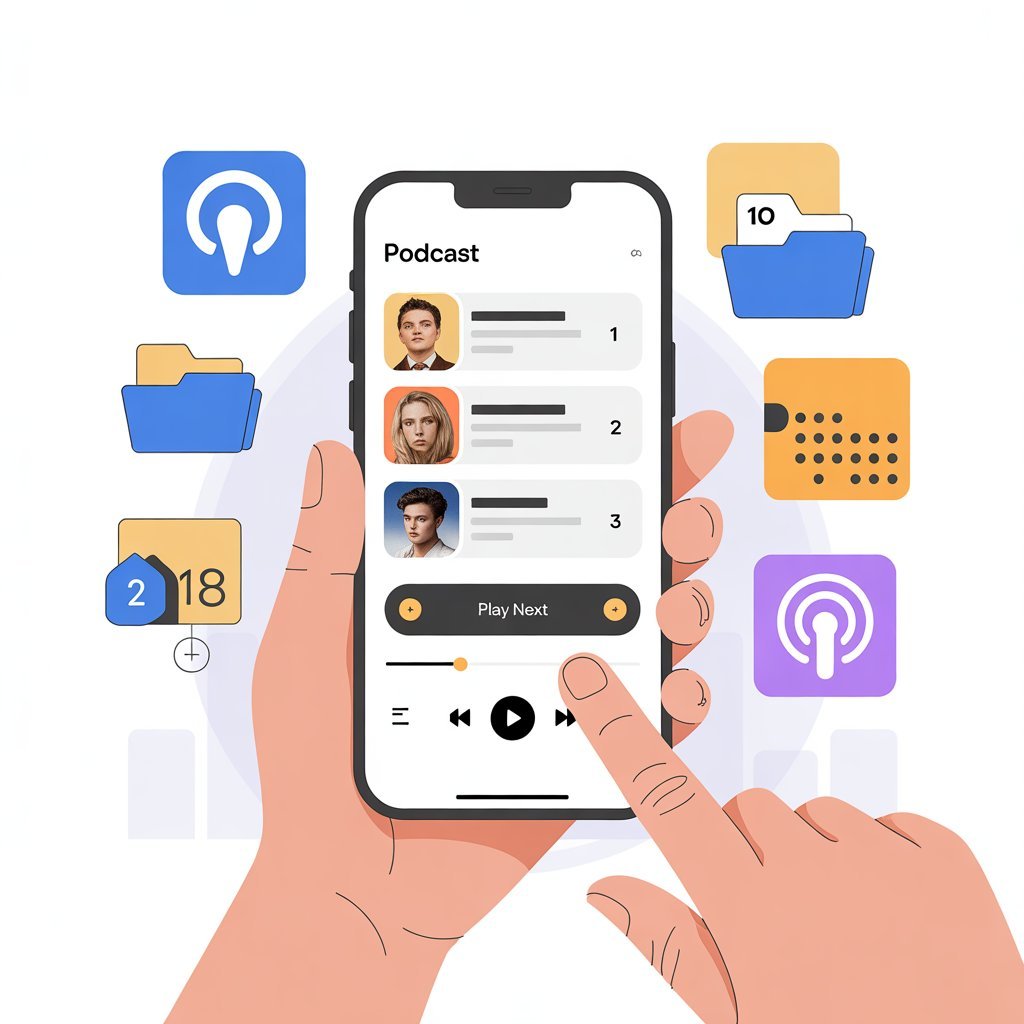
There’s nothing more frustrating than discovering an amazing podcast, hitting play, and realizing you just jumped into episode 47 of a story that started back at episode 1. You’re confused about who the characters are, what the main point is, and why everyone seems to already know what’s going on.
Many podcasts tell stories or teach lessons that make more sense when you listen in order. Whether it’s a true crime investigation that unfolds over multiple episodes, a business course that builds skills progressively, or a faith-based series that deepens your understanding week by week, sequence matters.
The common frustration is that podcast apps don’t always play nice with your intentions. Episodes auto-play randomly, or the app defaults to starting with the newest episode first. You finish one episode and the next one that plays is from three months ago. It’s disorienting and takes away from the experience the creator worked hard to build.
This guide shows you simple ways to make podcasts play in the order you actually want, whether that’s oldest to newest for a chronological journey or any custom sequence that makes sense for your listening goals.
Understanding Podcast Episode Order
Before we dive into the how-to steps, let’s talk about why this issue exists in the first place.
Podcasts are usually released episodically over time, much like TV shows. A creator publishes episode 1, then episode 2 a week later, then episode 3, and so on. When you subscribe to a podcast that’s already been running for months or years, you’re stepping into a library of content that was created sequentially but is now all available at once.
The difference between newest-to-oldest and oldest-to-newest playback is significant. Newest-to-oldest means the most recent episode appears first in your feed and will play first if you just hit the general play button. Oldest-to-newest reverses this, starting with episode 1 and working forward chronologically.
Most podcast apps default to showing the latest episode first because that’s what makes sense for news podcasts, interview shows, or any content where each episode stands alone. If you’re listening to a daily news podcast, you want today’s episode, not one from six months ago. The app designers built their default settings around this use case.
When listening in order is most important becomes clear when you consider certain podcast formats. Storytelling podcasts like Serial or fictional audio dramas need to be heard sequentially because each episode builds on what came before. Teaching or educational shows often introduce concepts in a specific sequence, with later lessons assuming you understand earlier material. Multi-part series covering a single topic or event make no sense if you skip around randomly.
Understanding these basics helps you recognize when you need to take control of playback order versus when the default settings work fine.
How to Set Podcasts to Play in Order on Popular Apps
Let’s walk through the exact steps for controlling episode order on the apps most people use.
Apple Podcasts
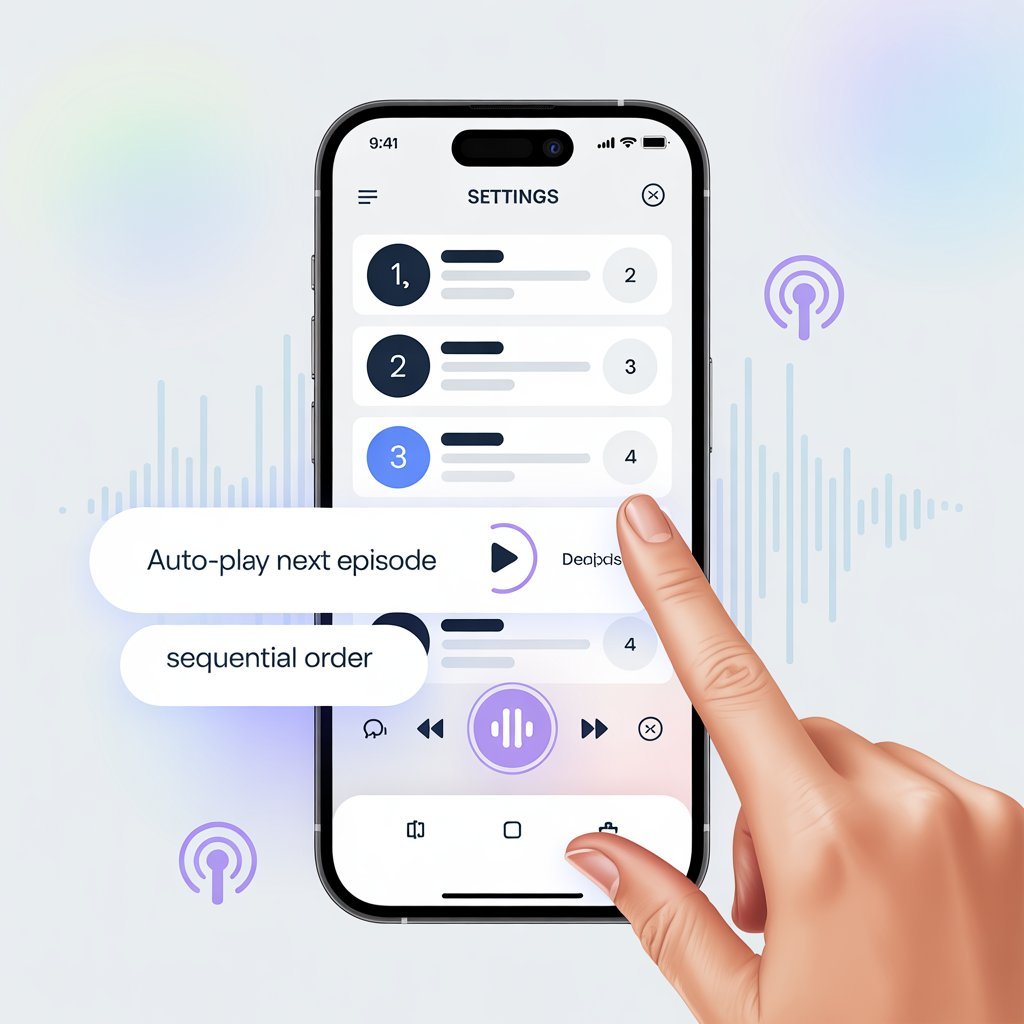
Apple Podcasts gives you control over episode order, but you need to know where to look. Open the podcast you want to listen to and look for the settings icon, usually three dots or a gear symbol. Tap on it to access the show’s settings.
Inside settings, you’ll find an option labeled “Episode Order” or “Sort Order.” Tap this and select “Oldest to Newest” if you want to start from the beginning. This setting applies to this specific podcast, so you’ll need to adjust it for each show where order matters.
To turn off automatic episode skipping, check for options like “Continuous Playback” or “Play Next Episode.” Make sure this is enabled so episodes flow from one to the next without interruption. Some versions also have a “Limit Episodes” setting that you should turn off or set to “All Episodes” to ensure older episodes don’t get hidden.
Spotify
Spotify’s podcast interface has improved but still requires some manual control. When you open a podcast page, look for the “Sort” option near the top of the episode list. Tap it and select “Oldest” to reverse the default order.
To manually start from Episode 1, scroll all the way down to the first episode ever published. This can take some scrolling for long-running shows, but it’s worth it. Tap on Episode 1 to start playing.
Autoplay on Spotify continues to the next episode automatically, which is helpful. However, it can sometimes jump to recommended episodes from other podcasts. To prevent this, go into your Spotify settings, find “Autoplay,” and make sure it’s set to play from the same podcast rather than suggesting new content.
Google Podcasts and YouTube Music
Google Podcasts has merged into YouTube Music in many regions, so the interface varies depending on when you’re reading this. Generally, episode order works by opening the podcast and looking for sorting options in the menu.
For saving episodes in sequence, add them to your queue in the order you want. Start with episode 1, tap “Add to queue,” then do the same for episode 2, episode 3, and so on. This creates a custom playlist that plays exactly how you want.
YouTube Music’s podcast features are still developing, so check the app’s help section for the most current guidance on episode ordering.
Amazon Music
Amazon Music includes podcasts as part of Prime membership, and controlling order is straightforward once you know where to look. Open the podcast and tap on the episode list. Look for a “Sort” or “Filter” option, usually represented by an icon with lines or arrows.
Select “Oldest First” or “Date Added (Ascending)” to reverse the default order. To queue episodes in the right order, long-press on episode 1 and select “Add to Queue,” then repeat for subsequent episodes. The queue will play in the order you added episodes.
If you’re planning to start a podcast from scratch and want help understanding how to structure your own show so listeners get the best experience, book a podcast training consultation with us. We’ll teach you about episode sequencing, content structure, and listener experience design.
Using the Queue Feature to Control Playback
The queue feature exists in most podcast apps and gives you tremendous control over what plays and when.
A queue is essentially a custom playlist you create by adding specific episodes in a specific order. Think of it like lining up dominoes. You choose which episode goes first, second, third, and so on. Once you start playing, the app works through your queue sequentially.
How to add episodes to a queue varies slightly by app, but the general process is similar everywhere. Find the episode you want, long-press on it or tap the three-dot menu icon, and select “Add to Queue” or “Play Next.” Do this for each episode in the order you want them played.
When queueing works better than auto-play becomes clear in several situations. If you’re catching up on a podcast with 50 episodes and you want to skip certain ones, you can queue only the episodes that interest you. If you’re listening to multiple podcasts and want to alternate between them, you can build a queue that includes episodes from different shows.
A practical tip is to queue episodes before long drives or workouts. Spend five minutes setting up your queue before you leave the house, and you won’t need to touch your phone while driving or exercising. Everything plays exactly as you planned.
Downloading Episodes to Keep Them in Order
Downloading episodes for offline listening does more than save your data plan. It also helps maintain playback order.
Why downloading prevents random playback has to do with how streaming works. When you stream podcasts, the app might make suggestions or shuffle to recommended content when your internet connection fluctuates. Downloaded episodes stay local on your device and play in whatever order you’ve set without the app trying to be helpful with suggestions.
How to download episodes in sequence starts with going to your podcast’s episode list and tapping the download icon on each episode you want, starting with episode 1 and working forward. Most apps let you select “Download All” or “Download Season,” which grabs everything at once.
How offline listening keeps your place is another benefit. Since the episodes are on your device, the app tracks your progress locally rather than syncing with a server that might lose your place. This is especially helpful if you switch between WiFi and cellular data frequently.
This approach is best for flights where you’ll have no internet connection, travel through areas with poor coverage, road trips through rural areas, or anytime you want guaranteed, uninterrupted listening without worrying about connectivity.
Fixing Common Problems When Podcasts Play Out of Order
Even after you set everything up correctly, issues can pop up. Here’s how to fix the most common ones.
App updates sometimes reset your settings back to defaults. After any major app update, check your episode order preferences and queue settings to make sure they’re still configured the way you want.
Auto-play jumping to suggested episodes happens when the app tries to keep you listening after your queue ends. Disable recommendations in your settings or turn off auto-play entirely if this becomes annoying.
Accidentally switching between seasons can throw off your order if a podcast organizes content by season. Make sure you’re viewing “All Episodes” rather than just one season, or intentionally queue one complete season at a time.
Quick fixes for these issues include refreshing the app by closing it completely and reopening it, checking sorting settings under each podcast’s options menu, and clearing your queue then rebuilding it from scratch if things get really messy. Sometimes the fastest solution is removing all queued episodes and starting fresh.
If you’re creating your own podcast and want to learn how to organize your content so listeners never face these frustrations, our podcast training consultation covers content structure, episode numbering, and platform optimization to create the smoothest possible listener experience.
Tips for Binge-Listening a Podcast From the Beginning
Binge-listening has become as popular with podcasts as it is with TV shows. Here’s how to do it right.
Start with Episode 1 or Season 1, always. Even if the podcast description says you can start anywhere, beginning from the beginning gives you context, introduces you to the host’s style, and ensures you don’t miss foundational information.
Turn off shuffle and recommendations in your app settings. Shuffle is great for music but terrible for podcasts where order matters. Recommendations might sound helpful, but they interrupt your flow and break the binge experience.
Track your progress using “Played” markers that most apps provide. Episodes you’ve finished are usually marked with a checkmark or moved to a “Played” section. This helps you know exactly where you are if you take a break from the podcast.
Save your place before switching devices by making sure your app syncs across your phone, tablet, and computer. Most major apps do this automatically if you’re signed into the same account, but verify that sync is enabled in your settings.
When Podcast Order Really Matters
Let’s be specific about when listening in order makes the biggest difference to your experience.
Educational podcasts and training shows build knowledge progressively. A podcast teaching you a new language, explaining financial concepts, or training you in a specific skill needs to be consumed sequentially. Each episode assumes you learned what came before it.
Story-based podcasts and documentaries unfold narratives over time. True crime investigations reveal clues episode by episode. Fictional audio dramas develop characters and plots across multiple installments. Historical documentaries walk you through events chronologically. Starting in the middle spoils the journey.
Faith, wellness, or growth podcasts often present lessons that build over time. A 40-day devotional podcast makes no sense if you listen to day 23 before day 1. A wellness podcast introducing habit changes week by week needs to be followed in sequence for the program to work as designed.
Here’s a concrete example of why starting in the middle can be confusing. Imagine jumping into a podcast about building a business at episode 30, where the hosts are discussing scaling strategies and hiring your first employees. You’re lost because episodes 1 through 10 covered finding your business idea, episodes 11 through 20 explained validating that idea and getting your first customers, and episodes 21 through 29 walked through setting up operations. Without that foundation, episode 30 feels overwhelming and irrelevant.
If you’re planning your own educational or story-based podcast and want expert guidance on structuring content that keeps listeners engaged from episode 1 through your entire series, book a podcast training consultation with us today. We’ll help you map out your content, plan your episodes, and create a listening experience that makes people want to binge your entire catalog.
Best Listening Habits for a Smooth Experience
Developing good habits around podcast listening prevents most ordering issues before they start.
Use one app consistently rather than bouncing between Spotify, Apple Podcasts, and Amazon Music for different shows. Each app has its own way of organizing episodes and tracking progress. Sticking with one platform means you learn its interface thoroughly and your listening data stays in one place.
Set episode order once when you first subscribe to a podcast, then check it occasionally to make sure nothing has changed. Don’t assume your settings from six months ago are still active, especially after app updates.
Create playlists or queues for long series you plan to binge over several days or weeks. Taking 10 minutes to queue up 20 episodes saves you from constantly managing playback later.
Use notes or bookmarks if your app offers them. Some podcasts apps let you bookmark moments within episodes or add notes to specific shows. This helps you remember where you are in longer series or mark episodes you want to revisit.
Keep your apps updated but be aware that updates can reset preferences. After updating, do a quick check of your most important podcasts to verify ordering hasn’t changed.
Be mindful of switching between devices. If you start listening on your phone during your commute and want to continue on your tablet at home, make sure sync is enabled so you pick up exactly where you left off rather than starting over.
Conclusion
Playing podcasts in order might seem like a small detail, but it makes an enormous difference in how much you enjoy and understand the content. Stories make sense. Lessons build properly. You feel connected to the journey the creator designed for you.
The good news is that once you understand these settings and features, controlling playback order becomes second nature. You spend five minutes setting things up correctly, and then you can relax and enjoy dozens of episodes without constantly managing your app.
A few simple settings completely change your podcast experience from frustrating and confusing to smooth and enjoyable. You’re no longer wondering why everyone seems to know what’s happening while you’re lost. You’re not missing crucial information because you accidentally skipped ahead. You’re experiencing the podcast exactly as the creator intended.
And if these tips have inspired you to create your own podcast where every episode matters and order enhances the listener experience, we’d love to help you bring that vision to life. Book a podcast training consultation with us, and we’ll walk you through everything from concept development to content structuring, technical setup to distribution strategy. Let’s create a show that people will want to binge from episode 1 all the way through.