The search for the best podcast editing software can feel so overwhelming. If you are a busy creator, you already know that editing can eat up more time than recording itself. You sit down excited to cut your new episode, only to realize hours have gone by and you are still trimming out “ums” or fighting with complicated tools. You do not just need power; you need something that saves time without making you pull your hair out.
Many podcasters, especially beginners or those juggling tight schedules, quickly get stuck in the middle. On one side, there are free but technical tools that feel clunky and slow. On the other, there are advanced platforms that promise speed but come with a learning curve or subscription costs. The result? Burnout, delayed episodes, and frustration with a process that should be fun and creative.
That is where this post comes in. We are going to compare two of the most popular options — Descript and Audacity and break down their strengths, weaknesses, and what they really mean for a busy podcaster like you. By the end, you will know which software fits your workflow best and helps you spend more time creating, not editing.
Understanding the Basics
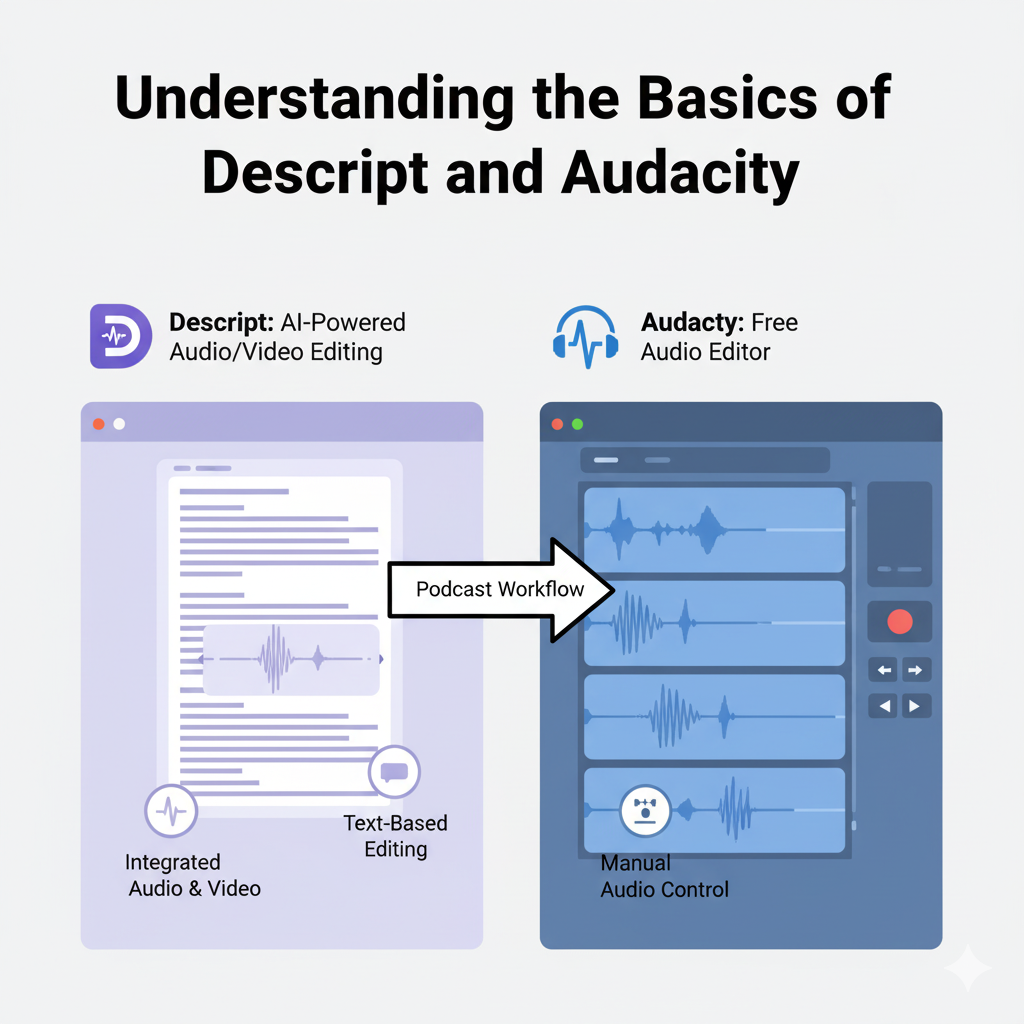
Before deciding which software is right for you, it is important to understand how Descript and Audacity approach editing differently. The core difference lies in the way you interact with your audio, and this can make a huge impact on both your workflow and how much time you spend editing.
Descript
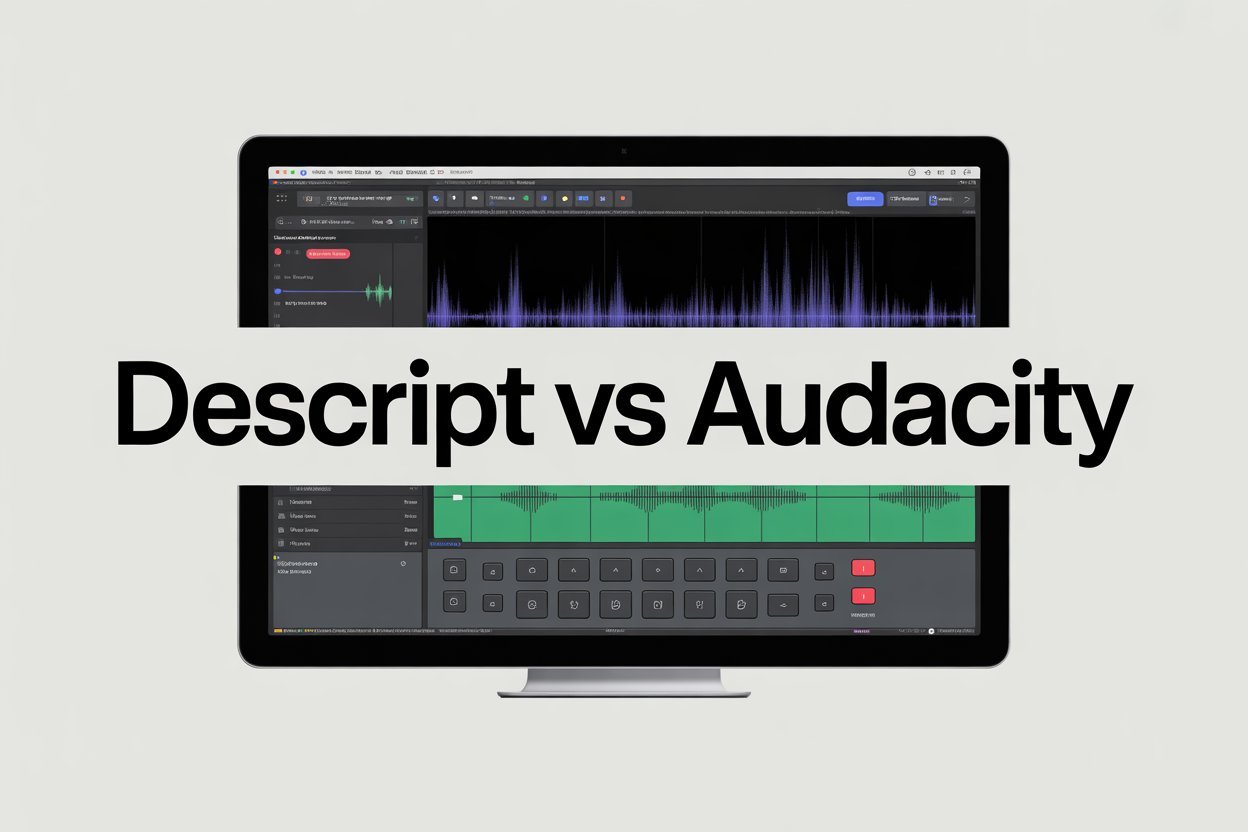
Descript uses a text-based approach to editing. Essentially, it transcribes your audio into written text, allowing you to edit your podcast just like you would a Word document. Want to remove filler words like “um” or “you know”? You simply delete them from the transcript, and the audio updates automatically. Mistakes, long pauses, and sections you want to cut out are easy to spot and remove, making it fast and intuitive. This method is particularly useful for podcasters who are short on time or want to quickly polish their episodes without getting lost in technical details. Visual examples of Descript show a clean interface with the transcript on the main screen and audio playback controls right below, making it easy to navigate even for beginners.
Audacity
On the other hand, Audacity uses traditional waveform editing. You work directly with the visual representation of your audio, manually cutting, trimming, and applying effects to each section of your recording. This approach gives you complete control over every element of your track. If you want to adjust volume on a specific word, apply noise reduction to a section, or fine-tune multiple tracks together, Audacity provides the tools to do it. The interface can seem more complex at first because you see all tracks, waveforms, and menus at once. Screenshots of Audacity typically show the waveform view with tracks stacked vertically, highlighting the precision and flexibility it offers.
Understanding these basic differences is the first step in selecting the best podcast editing software for your workflow. Your choice will shape how efficiently you edit, how much time you spend polishing episodes, and ultimately how consistent and professional your podcast sounds.
Pros and Cons of Descript and Audacity
Choosing the right podcast editing software comes down to understanding the strengths and limitations of each tool, especially if you are a busy creator with limited time. Let’s take a closer look at Descript first.
Descript Pros
Text-based editing
One of Descript’s biggest advantages is its text-based editing. This means you can remove filler words, stutters, or mistakes simply by deleting them from the transcript. Instead of listening over and over to find the exact spot in the audio, you can see it in written form and make changes instantly. For podcasters who are short on time, this is a game-changer. You can polish a 30-minute episode in far less time than you would in traditional waveform editing software.
Fast transcription
Another major benefit is fast transcription. Descript generates an automatic transcript of your audio, which is useful not only for editing but also for repurposing content. You can create show notes, social media posts, or captions directly from your transcript without additional work. This is perfect for creators who want to save time and maximize the reach of each episode.
Collaboration
Descript also shines in collaboration. If you work with a co-host, producer, or editor, multiple people can review and edit the project at the same time. Comments, track changes, and shared access make it easier to manage team workflows without sending large audio files back and forth.
Descript Cons
While Descript is incredibly convenient and fast, it does have a few limitations that busy podcasters should be aware of.
Internet Dependency
One of the biggest challenges is that some of Descript’s features, like transcription, require a stable internet connection. If you are editing at a coffee shop, recording in a remote location, or just have spotty Wi-Fi at home, you might run into delays or limited functionality. This can be frustrating if you were hoping to edit offline or in a place without reliable internet.
Limited Advanced Audio Effects
Descript handles basic editing and polishing very well, but it is not as deep as traditional audio software when it comes to advanced effects. For example, if you want to fine-tune EQ settings, apply complex compression, or carefully remove background noise in a very detailed way, Descript may not give you all the control you need. It is fantastic for quick fixes and general polishing, but podcasters who want total precision or broadcast-level mastering might find it a little limiting.
Subscription Costs
Finally, while Descript offers a free version, the full range of features comes with paid plans. For hobbyists or podcasters on a tight budget, these costs might feel like a barrier. The paid plans unlock additional transcription hours, collaboration tools, and advanced editing features, so it is worth weighing whether the time saved justifies the expense.
Overall, Descript is excellent for podcasters who want speed, simplicity, and easy collaboration. However, if you need offline editing, full audio control, or want to avoid subscription costs, you may need to consider other options or supplement with additional tools.
Audacity Pros
Cost Effective
For many podcasters, especially those just starting out, Audacity is an appealing choice because it is completely free. Unlike subscription-based software that can get expensive over time, Audacity is open-source and available to anyone. You do not need to worry about running out of features, paying monthly fees, or suddenly losing access to your projects. For hobbyists, new creators, or podcasters on a budget, this is a huge advantage. You can start editing immediately without making any financial commitment, which takes a lot of pressure off beginners who are still learning the ropes.
Full audio control
Another major benefit is full audio control. Audacity gives you the ability to manually edit waveforms, which means you can precisely adjust every element of your audio. If you want to lower the volume on a single word, reduce background noise in a particular section, or fine-tune multiple tracks in an interview, Audacity allows you to do it. Multitrack mixing is also possible, giving you the flexibility to work with music, sound effects, and guest recordings all in one project. This level of control is particularly useful for creators who want their podcast to sound professional or who enjoy experimenting with different audio effects.
Offline functionality
Audacity also offers offline functionality, which is a big plus for podcasters who do not always have reliable internet access. You can record and edit your episodes anywhere—whether that is at home, in a quiet office, or even while traveling—without worrying about a slow connection or cloud-based limitations. This makes it ideal for creators who value independence and want the ability to work on their podcast whenever inspiration strikes.
Audacity Cons
Steep learning curve
Of course, no software is perfect, and Audacity has some limitations. The first major challenge is its steep learning curve. When you open Audacity for the first time, the interface can feel overwhelming. You are greeted with multiple tracks, waveforms, menus full of effects, and a variety of buttons for recording, playback, and editing. Unlike text-based editors like Descript, where you can simply delete a word to remove it from your podcast, Audacity requires you to manually find the exact section in the waveform, highlight it, and cut or adjust it. For someone who is new to audio editing, this can feel intimidating, and it often takes time, patience, and practice to become comfortable with the software. Even basic tasks such as trimming the beginning of an episode or removing background noise may take longer than expected.
Time-consuming
Another drawback is that Audacity can be time-consuming, especially for longer episodes or projects with multiple tracks. If you are editing interviews, incorporating music, or working with sound effects, you need to manually adjust each track, apply effects, and carefully check transitions. Unlike software that offers automation or text-based shortcuts, there is no quick way to remove all filler words or polish your audio in just a few clicks. For podcasters who want to produce episodes quickly or maintain a consistent publishing schedule, this can add significant hours to their workflow.
Pricing Differences
When choosing the best podcast editing software, cost is always a factor, especially if you are just starting out or trying to keep your podcast budget low. Both Descript and Audacity offer unique approaches to pricing, and understanding these differences can help you make a decision that balances cost with productivity.
Descript offers a free plan, which is a great way to try out the software and see if it fits your workflow. The free plan includes basic editing, automatic transcription for a limited number of minutes, and the ability to remove filler words or cut sections. This is sufficient for short episodes or hobbyist creators who want to experiment without spending money. However, to unlock the full range of features, including unlimited transcription, multitrack editing, advanced effects, and collaboration tools, you need a paid subscription.
Descript offers monthly or annual plans, which may feel like an investment, but for busy podcasters, the time saved can often justify the cost. Editing that might take hours manually in other software can be completed in a fraction of the time with Descript’s streamlined workflow.
Audacity, in contrast, is completely free and open-source. You can download it, install it on your computer, and start editing without paying a single dollar. There are no subscriptions, no hidden costs, and no limitations on basic functionality. For podcasters on a tight budget, beginners who are just learning, or creators who prefer manual control over their audio, this is a huge advantage. Audacity gives you all the tools you need to produce professional-quality episodes without financial pressure.
The value proposition between these two tools comes down to time versus cost. Audacity is free, but it requires patience, practice, and potentially longer editing sessions. Descript may cost money, but it can save hours per episode, reduce frustration, and allow you to focus more on creating content rather than spending countless hours editing. For podcasters with limited time or tight publishing schedules, the subscription may pay for itself by freeing up your schedule.
Ultimately, the choice depends on your priorities. If your goal is to minimize cost and you are willing to invest time learning the software, Audacity is an excellent option. If your goal is to maximize speed, efficiency, and convenience, Descript’s paid plans offer a strong value proposition. Understanding how cost and time interact is key to selecting the best podcast editing software for your workflow.
Best Software to Pick
Choosing the right podcast editing software depends a lot on how you work, how much time you have, and what kind of control you want over your audio. Not every podcaster needs the same tools, and understanding your workflow can save you hours of frustration.
If you are a solo podcaster with limited time, Descript is an excellent choice. Its text-based editing allows you to remove filler words, long pauses, and mistakes in just a few clicks. You can see your transcript, make edits visually, and have your episode ready faster than with traditional waveform editing. This is perfect if you want to focus on content creation rather than spending hours tweaking audio. Descript also makes it easy to repurpose your transcript for show notes, social media posts, or blog content, which is a huge time-saver. For busy creators, the speed and simplicity of Descript can make all the difference in staying consistent with publishing.
If you are a technical podcaster or someone who works with multi-track recordings, Audacity may be the better option. It gives you full control over every detail of your audio. You can manually adjust volume levels, apply advanced noise reduction, and fine-tune multiple tracks for interviews or music. This level of control is ideal for podcasters who enjoy diving deep into the technical side of audio production and want their episodes to sound highly polished. While it takes more time and practice to learn, the precision Audacity provides can make a big difference in the final product.
There is also a hybrid approach that works for many podcasters. You could record and do initial edits in Audacity, then polish in Descript to remove filler words, refine timing, and create transcripts. The reverse also works: you could start in Descript for fast editing and then move to Audacity for advanced effects or multitrack mixing. This approach combines speed with detailed control, giving you the best of both worlds.
No matter which software you choose, remember that editing doesn’t have to be a solo struggle. If you want to save time, improve quality, and focus on creating content instead of wrestling with technical details, Pure Lighthouse Media can help with your podcast edits. Our team can handle the heavy lifting, from cleaning up audio to balancing multiple tracks, so you can concentrate on recording and growing your show.
Conclusion
Choosing the right podcast editing software comes down to understanding your workflow, your time constraints, and how much control you want over your audio. However, it is important to remember that simply picking the “best” software does not automatically make your episodes sound professional or save you time. Even with the most advanced tools, editing can be slow and frustrating if you are learning as you go or trying to handle every detail alone. The real difference comes from experience, workflow optimization, and knowing which tasks to focus on for the biggest impact.
If you want to skip the steep learning curve, save time, and still achieve professional-quality audio, Pure Lighthouse Media can help. Our podcast audio editing services are designed to give your episodes polish and consistency.