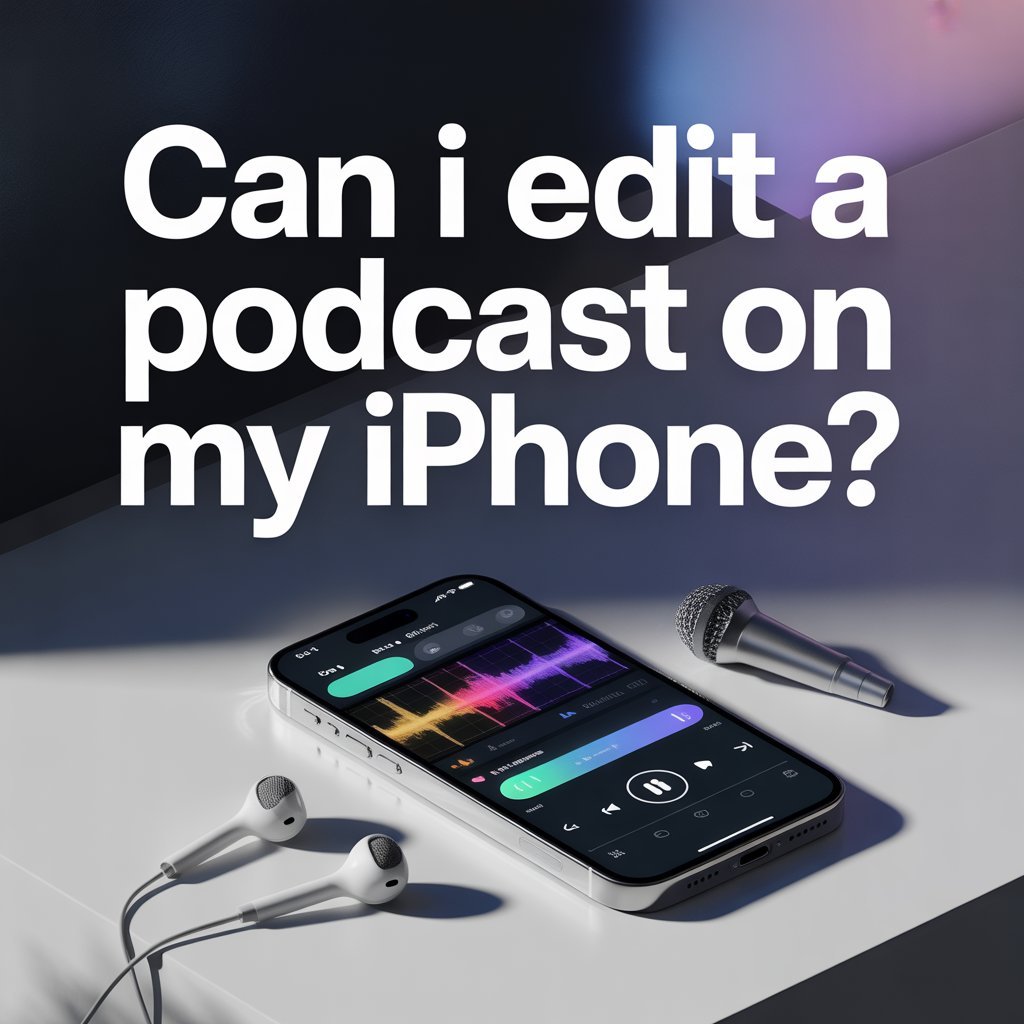
Let’s get straight to the point: you absolutely can edit a podcast on your iPhone. Thanks to some pretty impressive mobile apps available today, your phone has become a legitimate editing tool that fits right in your pocket. That’s genuinely amazing when you think about it.
But here’s what I need you to understand before we go any further. While iPhone editing is convenient and surprisingly capable, it’s not quite the same as working with professional editing software on a computer. Think of it like cooking a meal in a tiny apartment kitchen versus a fully equipped restaurant kitchen. You can make something good in both places, but one definitely has its limitations.
This doesn’t mean iPhone editing is bad or useless. Far from it. It just means you need to know what it can and can’t do so you can make the smartest decision for your podcast. Whether you’re just starting out or you’re a seasoned podcaster looking for a quick solution on the go, understanding these boundaries will save you time, frustration, and possibly some embarrassing audio mistakes.
What You Can Actually Do on Your iPhone
The good news is that modern iPhone apps have come a long way. You’d be surprised at how much you can accomplish right from your phone.
First off, trimming audio clips is pretty straightforward. Made a mistake at the beginning of your recording? Want to cut out that awkward pause where you forgot what you were saying? These basic cuts are simple to make on mobile apps. You can slice, delete, and rearrange sections of your audio without too much hassle.
Adding intro and outro music is another feature most mobile editing apps handle well. You can drop in your theme music at the beginning and end of your episode, giving your podcast that polished, professional feel. The apps usually let you fade the music in and out, which helps create smooth transitions.
Fixing simple mistakes is definitely doable. If you stumbled over a word or need to remove a cough, you can handle that on your iPhone. The process might take a bit longer than it would on a computer, but it’s absolutely possible for basic corrections.
When you’re done, exporting episodes for upload works smoothly on most apps. You can save your finished episode in various formats and upload it directly to your podcast hosting platform, often without ever touching a computer.
Some beginner-friendly apps worth checking out include GarageBand, which comes free on iPhones and offers a surprisingly robust set of features. Ferrite Recording Studio is another popular choice among mobile podcasters, with a interface designed specifically for podcast editing. Descript Mobile brings some of the power of the desktop version to your phone, including text-based editing features.
These apps have made mobile podcast editing genuinely accessible. You can record an interview, make basic edits, add your music, and publish an episode all from your phone. For quick episodes or when you’re traveling, this is incredibly handy.
Where iPhone Editing Falls Short
Now let’s talk about the elephant in the room. While iPhone editing is impressive for what it is, there are some real limitations you need to understand.
Getting that studio-quality sound is genuinely difficult on a phone. Professional podcast editing involves dozens of tiny adjustments that shape how your voice sounds. These tweaks are hard to execute precisely on a small touchscreen, and many mobile apps simply don’t offer the depth of control needed for that broadcast-ready sound.
The control over EQ, compression, and noise reduction is pretty limited compared to desktop software. EQ (equalization) is how you shape the tone of voices to sound warm and present. Compression evens out the volume so whispers and louder moments don’t jar the listener. Noise reduction removes background hums, air conditioner sounds, and other distractions. Mobile apps offer basic versions of these tools, but they’re often simplified to the point where you can’t fine-tune them the way professional editors do.
Here’s another reality check: phone mics, even good ones, pick up background noise pretty easily. That ceiling fan you don’t even notice anymore? Your listeners will hear it. The traffic outside your window? It’s there in your recording. The echo in your room? Yes, that too. While you can record on your phone, the quality of that recording often needs significant cleanup that’s tough to do on the phone itself.
Multi-track editing gets messy fast on a small screen. If you have a co-host or guest, you’re working with at least two separate audio tracks. Add intro music, outro music, and maybe some sound effects, and you’re juggling five or six tracks on a screen the size of your palm. Zooming in and out, making precise cuts, and keeping everything organized becomes tedious and time-consuming.
Keeping consistent volume between different voices is another challenge. Your co-host might speak more quietly than you do, or your guest might have recorded on different equipment. Balancing these levels requires careful listening and adjustment. On a phone, with smaller speakers or earbuds, it’s hard to accurately judge how your podcast will sound on different devices.
This is where professional editing makes a huge difference. A skilled audio editor has the tools, the trained ear, and the time to handle all these details that turn a recording into a polished podcast.
When Professional Editing Makes More Sense
Let me be honest with you. If you want your podcast to sound polished and competitive in today’s crowded podcast landscape, professional editing is worth considering.
The podcast space has grown tremendously. Listeners have gotten used to a certain level of audio quality. When your show sounds clean, warm, and professional, people take you more seriously. They’re more likely to subscribe, leave reviews, and recommend your show to friends. On the flip side, if your audio sounds muddy, inconsistent, or distracting, even great content struggles to find an audience.
This is exactly what Pure Lighthouse Media handles for podcasters every week. The technical details, the time-consuming adjustments, the quality control that keeps your show sounding great episode after episode.
Quick Tips If You Must Edit on iPhone
If you’re committed to editing on your iPhone, or you just need to do it in a pinch, here are some tips that will make your life easier.
Always record in a quiet space. This cannot be overstated. The cleaner your recording is from the start, the less cleanup you’ll need to do. Close windows, turn off fans, silence your phone notifications, and let anyone nearby know you’re recording.
Use a lavalier mic or lightning microphone if possible. The built-in iPhone mic isn’t terrible, but external mics designed for recording will give you noticeably better sound. A decent lavalier mic clips to your shirt and costs less than you’d think.
Save your edits frequently. Mobile apps can crash. Your phone can run out of battery. Random things happen. Get in the habit of saving your project every few minutes. Some apps do this automatically, but double-check.
Export a WAV file for best quality when you’re done. WAV files are larger than MP3s, but they preserve more of your audio quality. You can always convert to MP3 later if needed, but starting with the highest quality gives you more options.
Start with simple edits only. Don’t try to do everything at once, especially when you’re learning. Master basic trimming and arranging first. Then add music. Then work on more advanced techniques. Building skills gradually leads to better results and less frustration.
Conclusion
So here’s the bottom line. Editing on your iPhone is convenient, surprisingly capable, and perfectly fine for certain situations. If you’re just starting out, if you’re publishing casual conversational content, or if you need to edit on the go, mobile editing can absolutely work.
But it’s not perfect. The limitations are real, and they matter if you’re serious about growing your podcast and competing for listeners in a crowded market.
Professional support helps your show sound consistent, clean, and premium. It saves you time. It removes the technical learning curve. And it gives you the confidence that every episode will sound great, which matters more than most podcasters realize.
Also such, what matters most is making an intentional choice rather than just defaulting to whatever seems easiest in the moment. Your podcast deserves that level of thoughtfulness.
Want your podcast to sound professional without spending hours editing on your phone? Book an editing package or consultation with Pure Lighthouse Media today and let’s level up your show.