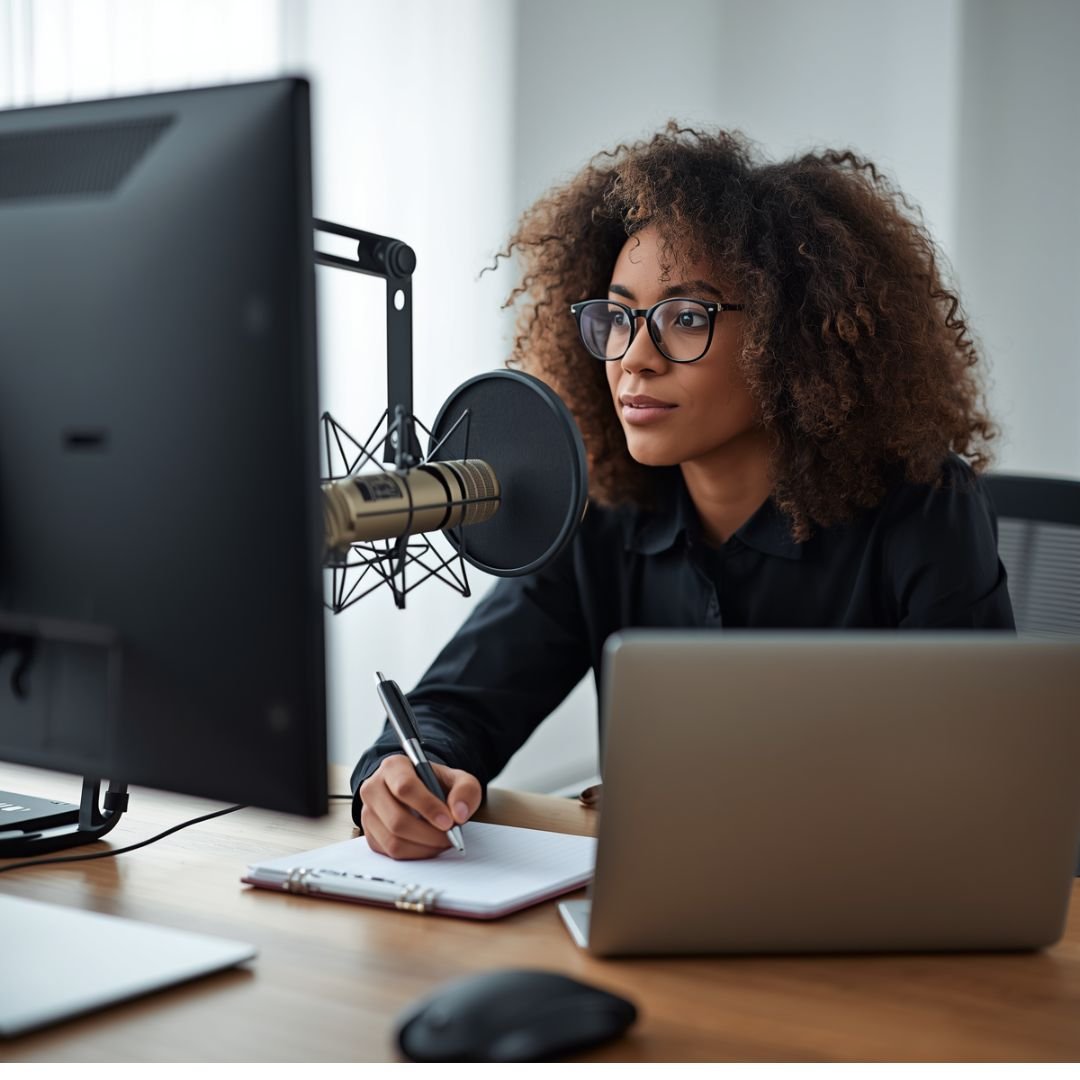
Editing your podcast with StreamYard is something I’ve recently leaned into more, especially as I continue to grow The Interludes Podcast and explore new ways to improve both the audio and visual experience for my audience.
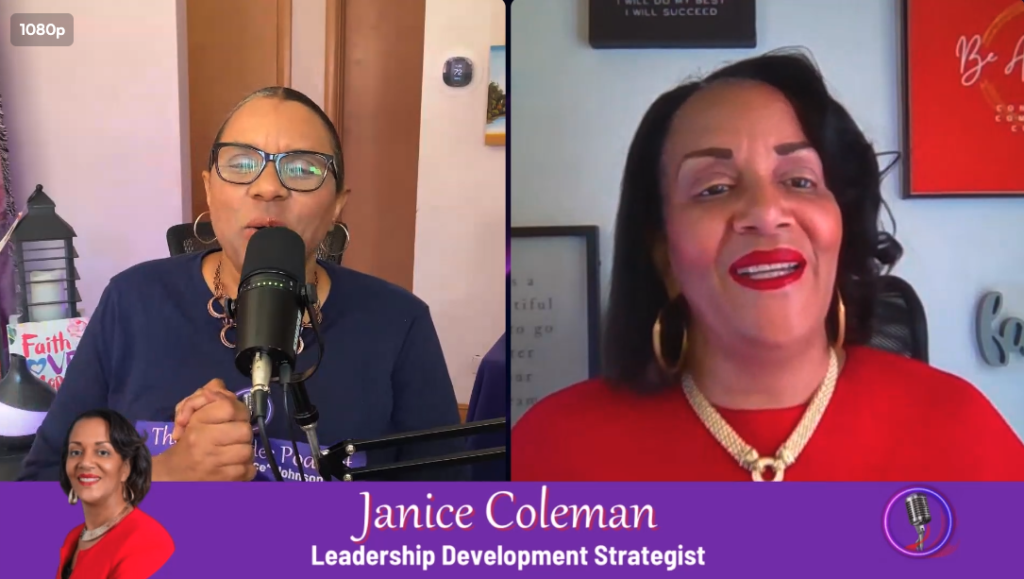
Over the past week, I attended an AI Business Summit led by Alicia Lyttle, and one of the biggest takeaways for me was not just learning new tools but actually implementing them. And that’s exactly what I did with my latest episode, “How Great Leaders Think, Communicate, and Grow,” featuring Janice Coleman.
This article isn’t just about tools — it’s about what really happens when you’re producing and editing a podcast in real time as a creator.
From Audio Editing to Video Podcasting
For a long time, I edited my podcasts using GarageBand, which is great for audio. But now, I’ve transitioned into video podcasting using Spotify for Creators.
Here’s the key difference:
- Audio-only gives you simplicity
- Video gives you presence, connection, and engagement
With Spotify now allowing video uploads, I’ve created a two-step premiere strategy:
- Premiere on Spotify (video version)
- Premiere on YouTube (scheduled release)
That’s exactly what I’m doing with my latest episode:
“Leadership, Integrity, and Influence: A Conversation with Janice Coleman.”
What People Don’t Tell You About Recording
Let’s be real for a second.
When you’re recording a podcast—especially remotely—things happen.
People freeze.
Connections drop.
Audio cuts out.
I’ve experienced this firsthand, not only with this episode but also while producing The Pull Up Podcast Show with Coach Tony Thompson.
And here’s the truth:
👉 Most of the time, it’s not the platform — it’s the connection.
That’s why I made a simple upgrade:
- I added a Wi-Fi extender in my workspace
- And ideally, a wired connection is even better
That one change alone made a difference.
Editing in Real Life (Not the Perfect Version)
Now let’s talk about the real work.
During my interview with Janice Coleman, she shared incredible insights—but there were moments where
- She paused
- She froze
- She asked for something to be edited out
And in that moment, I knew:
👉 This is no longer a straight upload — this is an edit job.
Because I didn’t set the expectation that the episode would be released live and unedited, I had to go in and clean things up.
That meant:
- Listening to the episode multiple times
- Taking mental and written notes
- Removing time-sensitive information (like past workshop dates)
- Adjusting the flow of the conversation
At this point, I feel like I know this episode inside and out.
Using Canva and AI to Fix Visual Gaps
Here’s where it gets creative.
There were moments where Janice froze on screen—and instead of cutting everything out, I used Canva to generate AI visuals to cover those moments.
That allowed me to:
- Keep the flow of the conversation
- Maintain a visual experience
- Avoid awkward cuts
And this is where AI tools are becoming a game changer for podcast creators.
You don’t have to be perfect — you just have to know how to fill in the gaps.
A Leadership Lesson Inside the Episode
One of the most powerful takeaways from my conversation with Janice Coleman was her philosophy:
👉 Be. Do. Have.
You have to be before you can do.
And you have to “do” before you can “have”.
That applies to leadership.
That applies to business.
And honestly—that applies to podcasting too.
You have to become the creator.
Then do the work.
Then you’ll see the results.
The Reality of Editing as a Creator
Here’s something I’ll say honestly:
Right now, at Pure Lighthouse Media, we are still growing.
So a lot of the editing… falls on me.
And that means:
- Watching the content
- Fixing mistakes
- Making creative decisions
- Finding solutions in real time
But it also means I’m learning every step of the process — and that’s going to help me teach others how to do this more efficiently.
What I’m Exploring Next
After attending the AI Business Summit, I’m now diving deeper into:
- AI editing tools
- Automation tools
- Faster workflows for podcast production
There are so many tools on the market right now—and I plan to test as many as I can so I can:
- Improve my own workflow
- Help my clients build better podcasts
- Teach others how to simplify the process
Tools I Recommend
If you’re getting started with podcasting or looking to improve your workflow, here are two tools I highly recommend:
StreamYard
Great for recording, streaming, and producing your podcast live or pre-recorded.
👉 You can sign up and start using it for free!
Canva
Perfect for:
- Graphics
- Video editing
- AI-generated visuals
👉 You can start creating with Canva
Final Thoughts
Editing your podcast with StreamYard and other tools is not just about cutting clips — it’s about building an experience.
It’s about:
- Problem-solving
- Creativity
- Consistency
- Growth
And most importantly, it’s about staying committed to the process.
Because every episode you create…
You get better. If you want help starting your podcast or improving your workflow, stay connected with Pure Lighthouse Media — we’re building something powerful over here.
Real excited about bringing more blog articles like this to the platform! 🤓😁👍🏾